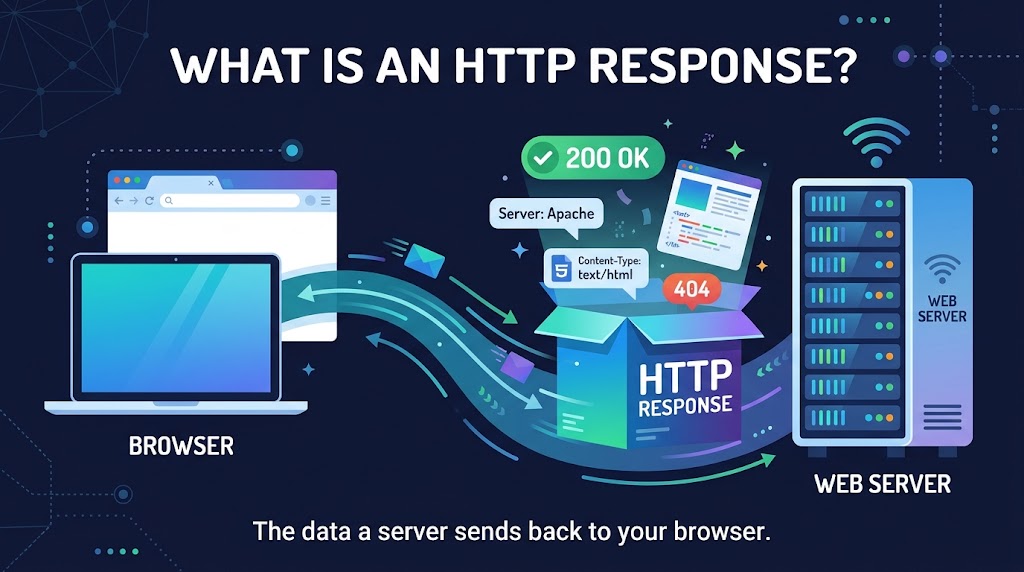
Inside an HTTP response packet: how does the server respond to the browser?
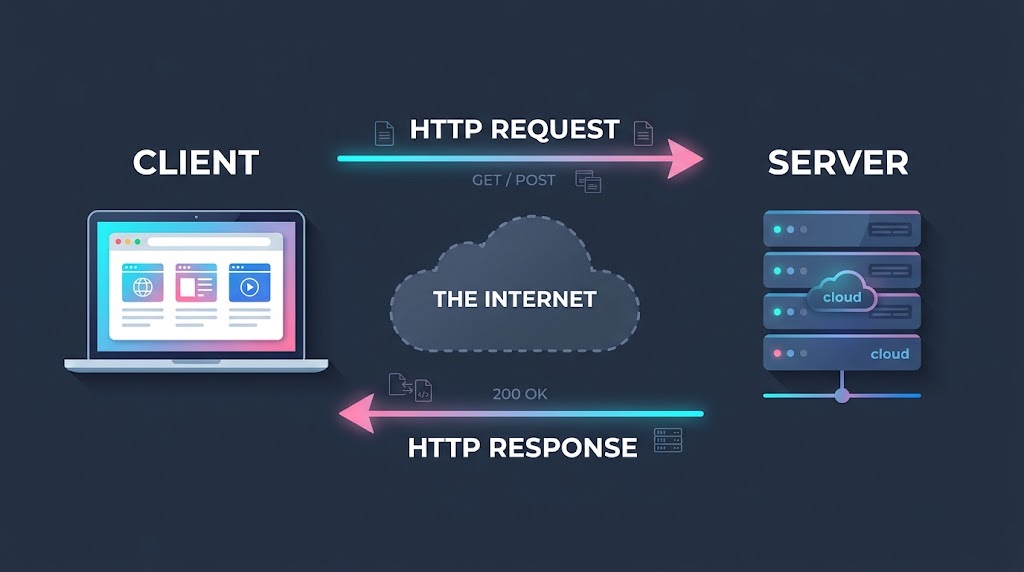
Immediately after receiving and processing the HTTP request from the browser, the web server packages its answer into an HTTP response package and sends it back to your machine.
The structure of this response packet consists of three parts carrying comprehensive server information:
Status Line: Instantly informs the browser whether the request succeeded or failed via an HTTP status code:
2xx (Success): Most common is
200 OK(everything is ready).3xx (Redirection): For example,
301 Moved Permanently(the page has moved to a new address).4xx (Client Error): Most familiar are
404 Not Found(page does not exist) or403 Forbidden(access denied).5xx (Server Error): For example,
500 Internal Server Error(the server encountered an issue while processing).
Response Headers (Server metadata & instructions): Provide details about the server software (
Server: Nginx, Apache, Cloudflare...), the returned data format (Content-Type: text/html, application/json...), caching rules (Cache-Control), or directives instructing the browser to store a new cookie (Set-Cookie).Response Body (Returned payload): Contains the actual HTML markup, CSS, JavaScript, JSON data, or image files that the browser uses to assemble and display a complete, interactive web page right before your eyes.
#HTTPResponse #StatusCode #WebServer #Fullstack #LapTrinhWeb #KienThucIT






0 Comments
No comments yet. Be the first to share your thoughts!
Leave a Comment