
Browser resource loading and request optimization
When a user enters a URL, how do the browser and server actually communicate?
1. How the Browser Renders a Web Page
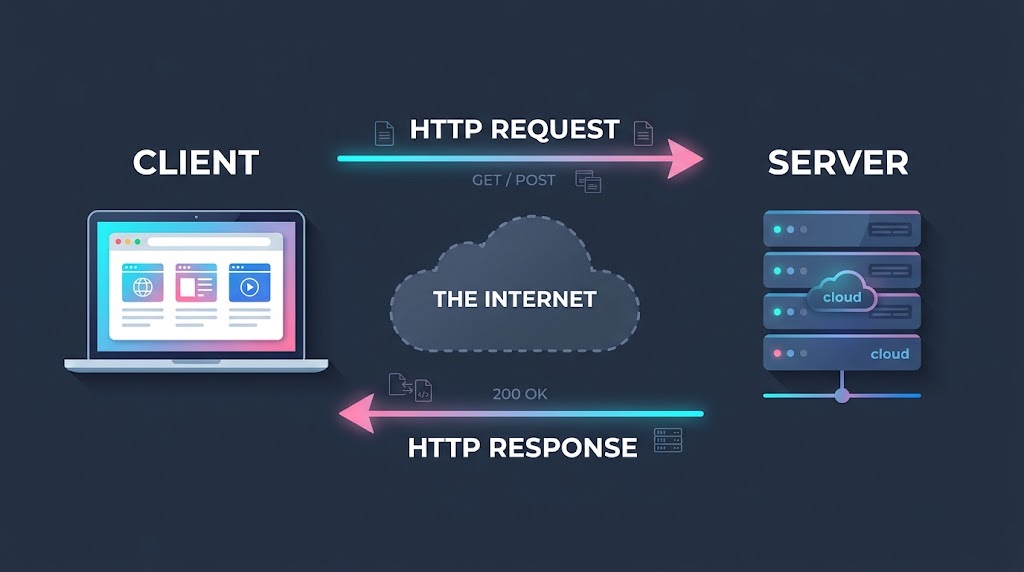
Core browser workflow: Send a request to the specified URL ➔ Receive raw HTML from the web server ➔ Parse the HTML and construct the Document Object Model (DOM).
While parsing the DOM tree, whenever the browser encounters references to external resources (static files such as CSS, JavaScript, images, web fonts, etc.), it fires additional requests to the server to download them until the entire interface is fully rendered.
2. Static Files and Backend Handling
These accompanying assets are collectively known as static files.
Modern backend technologies (such as Go with
http.FileServeror dedicated web servers like Nginx) provide specialized mechanisms to serve and optimize static asset delivery.
3. Key Web Performance Takeaways
A larger number of individual files leads directly to a higher volume of outbound HTTP requests.
By minimizing the number of CSS/JS files that need to be fetched (via bundling, minification, and static asset optimization), you achieve two critical benefits:
Significantly lower network latency for users.
Reduced concurrent load and overhead on the web server.






0 Comments
No comments yet. Be the first to share your thoughts!
Leave a Comment