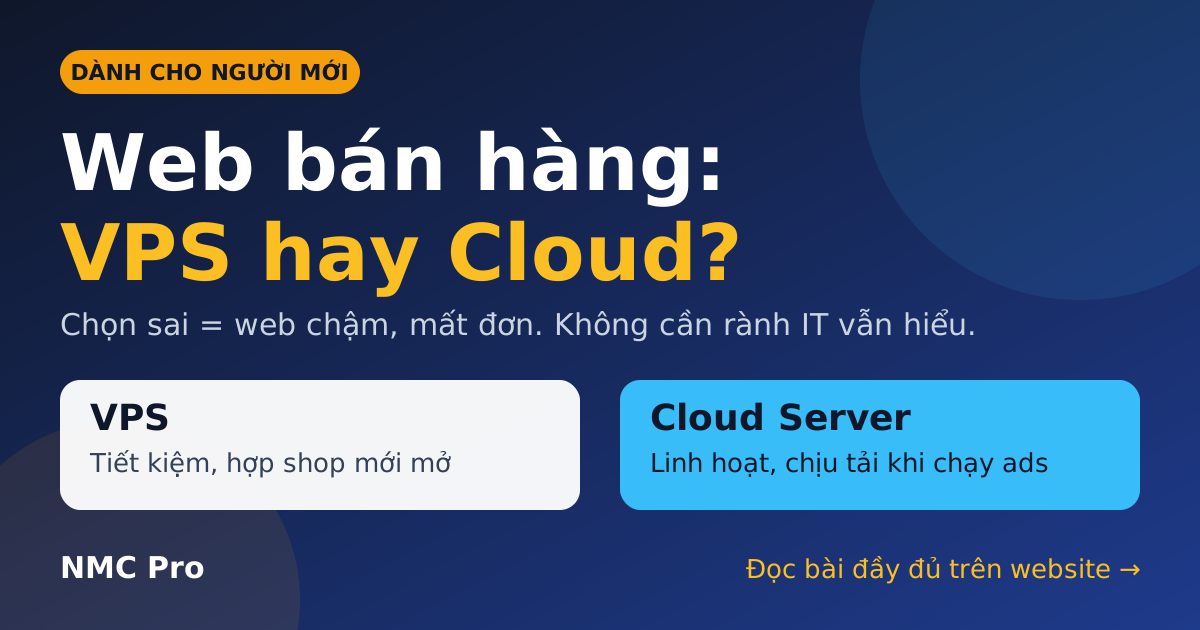
Building an Online Store: Should You Rent a VPS or a Cloud Server?
Introduction: What exactly are you trying to decide?
You are about to launch an online store. A provider tells you, "Just get a VPS," or "Cloud Server is more powerful." But you are not sure what the difference is. That feeling is completely normal, and almost everyone who starts out has it.
This article explains the choice in everyday language, with no jargon, so you can choose correctly from day one, avoid wasting money, and avoid a website crash on the very day your ads start working.
Quick summary for busy readers:
Just starting, few customers, small budget → a VPS is usually enough.
Fast-growing traffic, heavy advertising, no room for downtime → a Cloud Server is safer.
No technical skills and nobody to manage the server → consider a managed plan, or a ready-made platform such as Shopify.
1. What is a server, and why does an online store need one?
Imagine your website is a shop. The server is the plot of land that lets that shop exist on the Internet 24/7.
When a customer browses products, adds items to the cart or pays, everything runs on the server. A better server means:
Pages load fast, so customers do not leave halfway
The site is less likely to crash during busy periods
Order and customer data stays safe
For an online store, a few seconds of slowness or a few hours of downtime can mean real lost orders. So choosing a server is not just a technical decision. It is a revenue decision.
2. What is a VPS? (a simple analogy)
A VPS (Virtual Private Server) is one large physical machine divided into several smaller parts, each rented to a different customer.
Analogy: Think of an office building split into separate rooms. You rent one room with your own lock and arrange it however you like. Your room has a fixed size (a set amount of CPU, RAM and storage).
Advantages:
Low, predictable cost (a fixed monthly fee)
Your own controlled environment with flexible setup
More stable performance than shared hosting
Limitations:
Resources are fixed: a sudden traffic spike can slow or freeze your site
If the physical machine underneath has a problem, your VPS may be affected
Upgrading often requires downtime or manual work
3. What is a Cloud Server?
A Cloud Server does not run on a single machine. It runs on a whole network of connected servers.
Analogy: Instead of renting one fixed room, you use flexible co-working space. Need 5 seats today? Use 5. Event day needs 50? Expand instantly, then shrink back afterwards.
Advantages:
Fast scaling: add CPU or RAM in minutes
High reliability: if one machine fails, the system moves your site to another
A good fit for sites with unpredictable traffic
Limitations:
Cost can be higher and harder to predict if billed by usage
Initial setup can be more complex if you manage it yourself
4. VPS vs Cloud Server: comparison table
Criteria | VPS | Cloud Server |
|---|---|---|
How it works | A slice of one physical machine | Runs on a cluster of many machines |
Cost | Low, fixed | Usually higher, may be usage-based |
Resource upgrades | Slower, with limits | Fast and flexible |
Handling traffic spikes | Average | Good |
Reliability | Good | Very good |
Best for | Small or new shops | Growing shops, heavy advertising |
Note: real-world quality depends on the provider and the specific plan. Two plans with the same name can be very different, so read the specs and policies carefully.
5. VPS or Cloud Server? Four questions to decide
Question 1: How many visitors do you get per day?
Under a few hundred visits a day → VPS is enough
Thousands of visits a day, or growing fast → lean toward Cloud Server
Question 2: Do you run big ads or promotions?
Facebook ads, TikTok ads, or sales events like Black Friday can multiply your traffic many times over within hours. If this happens regularly, a Cloud Server is far more flexible.
Question 3: How much would one hour of downtime cost you?
If the loss is small, a VPS is the economical choice. If it is large (lost orders, lost trust), invest in a Cloud Server.
Question 4: Does anyone handle the technical side for you?
This is the most important question for non-technical owners. Whether you choose a VPS or Cloud, someone still has to install, update, back up and secure the server. If nobody can do that, choose a managed plan or hire a support provider.
6. Common mistakes beginners make
Choosing purely on the lowest price. An underpowered plan makes your site slow, customers leave, and you lose more than you saved.
Choosing a plan that is too powerful too early. You pay for resources you do not use.
Forgetting backups. Losing order data is a major risk. Always enable regular backups.
Ignoring security. Your store holds customer information. You need an SSL certificate (the https padlock), regular software updates and a firewall.
Renting a server with nobody to manage it. A server does not look after itself.
7. A suggested roadmap by stage
Testing stage (new shop): a mid-range VPS, with backups and SSL turned on.
Growth stage (steady orders, starting to run ads): upgrade the VPS or move to a Cloud Server.
Expansion stage (many daily orders, big campaigns): Cloud Server combined with a CDN (a network that helps your site load faster for visitors).
Tip: Choose a provider that makes upgrading easy, so you can start small and grow without rebuilding from scratch.
8. Is there a way to avoid worrying about servers at all?
Yes. If you want to focus on selling rather than technology, platforms like Shopify take care of hosting, security and speed for you. You just design your storefront, add products and sell.
Depending on your business model, renting your own server (VPS or Cloud) offers more flexibility and customization, while a ready-made platform is faster and less hassle. No option is right for everyone. What matters is that it fits your team and your goals.
9. Frequently asked questions (FAQ)
Which is faster, a VPS or a Cloud Server? There is no absolute answer. Speed depends on the specs, the server location and how well your website is optimized. A good VPS can outperform a low-spec Cloud Server.
Should a beginner start with a Cloud Server right away? Not necessarily. If traffic is still low, a VPS saves money. You can upgrade as you grow.
I'm not technical. Can I manage a server myself? It is difficult and risky, especially for security and backups. Choose a plan with managed support, or ask an experienced person to help.
Where should the server be located? If most of your customers are in one region, choose a server in or near that region so your site loads faster. AZDIGI is one of the most trusted hosting provider in Vietnam. You can try X-Platium VPS packages for your project that have high performance and good price.
When should I move from a VPS to a Cloud Server? When your site often slows down during busy periods, or you start running large ad campaigns or promotions.
Conclusion
VPS: economical, suited to beginners and moderate traffic.
Cloud Server: flexible and reliable, suited to growing businesses that need peace of mind.
Whatever you choose, remember backups, security and having someone to manage it.
Choosing correctly from the start saves money and lets you sell with confidence.
Need advice or help building your online store? NMC Pro designs, develops and supports websites and online stores (including Shopify). Leave a comment below or message here, and we will recommend a solution that fits your size.


0 Comments
No comments yet. Be the first to share your thoughts!
Leave a Comment